Design QR codes that look like they're yours — your colours, corner styles and logo, saved as reusable templates and exported print-ready. On-brand codes on Pro and above.
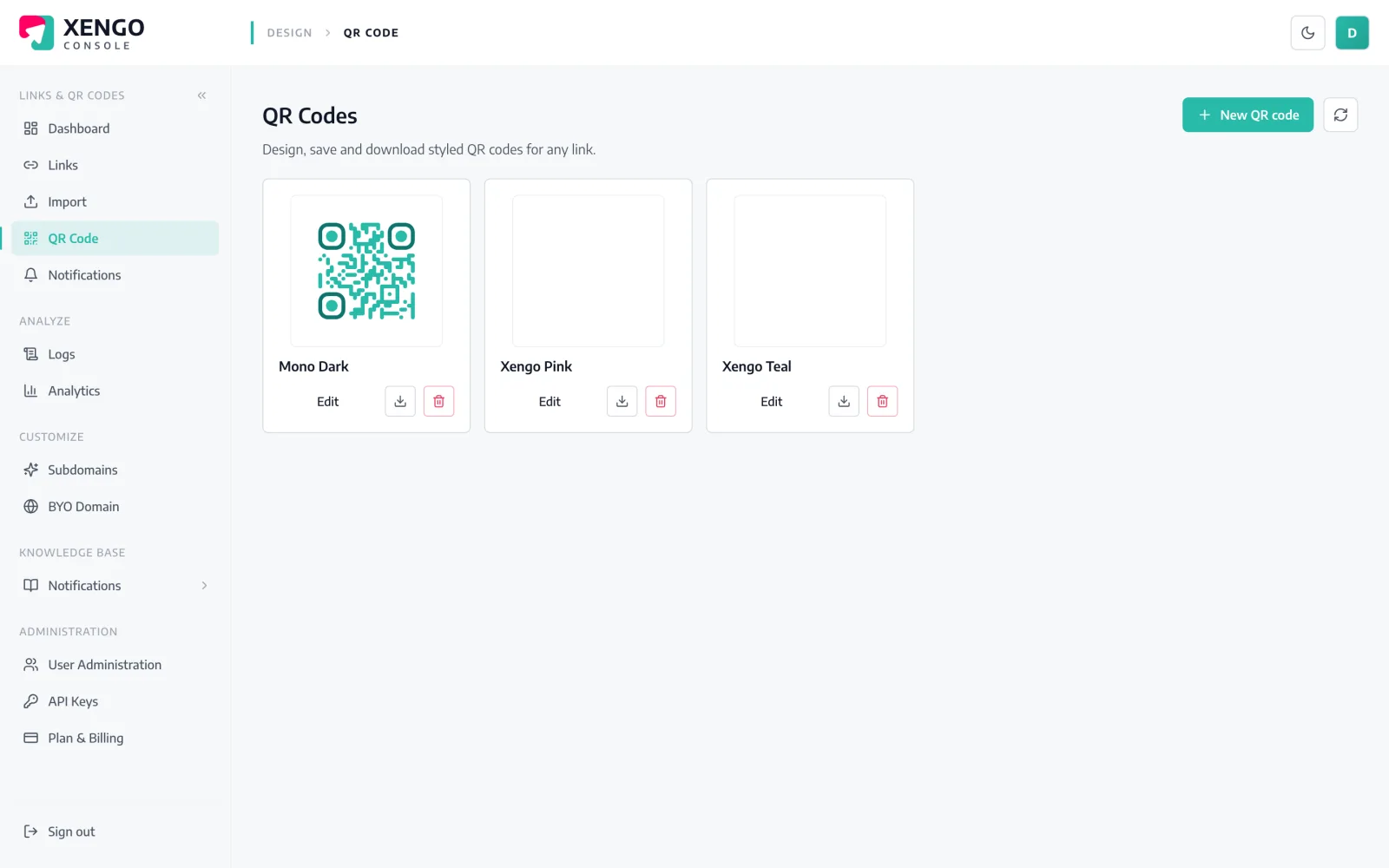
A default black-and-white QR says nothing about who it's from. QR Studio lets you shape every part of the code — colours, dot and corner styles, gradients, background and your logo in the centre — then save it as a template so every code ships consistent. Branding is available on Pro and above; the code stays dynamic, so you can still re-point it any time.
Set colours, corners, a gradient and drop your logo into the centre.
Keep the design as a reusable template for consistent, on-brand codes.
Download print-ready PNG or SVG, or attach the template to any link.
Shape the whole code — dot style, outer and inner corners, gradients, background and colours to match your brand palette. A live preview updates as you go, so what you design is exactly what prints.
Save a finished design as a template and apply it to any code you make, so a whole campaign or estate looks consistent. Change the template and reuse it wherever the brand needs to stay tight — no rebuilding a style from scratch each time.
Point any link at a saved template and its QR takes on the design instantly, then export print-ready PNG or SVG for whatever job it's going on. The code stays dynamic underneath, so the destination is still yours to change later.
Brand colours, rounded corner eyes and your logo in the middle — designed in QR Studio and still fully dynamic. Scan it and it opens app.xengo.io.
Scan or tap to open →Dot styles, outer and inner corner styles, gradients and background.
Drop a logo into the centre of the code.
Reusable designs applied across many codes.
See the exact code before you export.
Download as PNG or SVG.
QR Studio branding is a Pro-tier capability; static and dynamic codes exist on every tier.
Yes — QR Studio lets you drop your logo into the centre and set colours, corner styles and gradients. Branding is available on Pro and above.
Download print-ready PNG or SVG at the size you need for any print or digital job.
Yes — save a design as a template and apply it to any link so a whole campaign stays consistent.
Yes. The styling is cosmetic; the code stays dynamic, so you can re-point the destination any time.
Static and dynamic QR codes are on every tier; the branded QR Studio (colours, logo, export) is a Pro-and-above feature.
Style your first branded QR and save it as a template in under a minute. Start free.